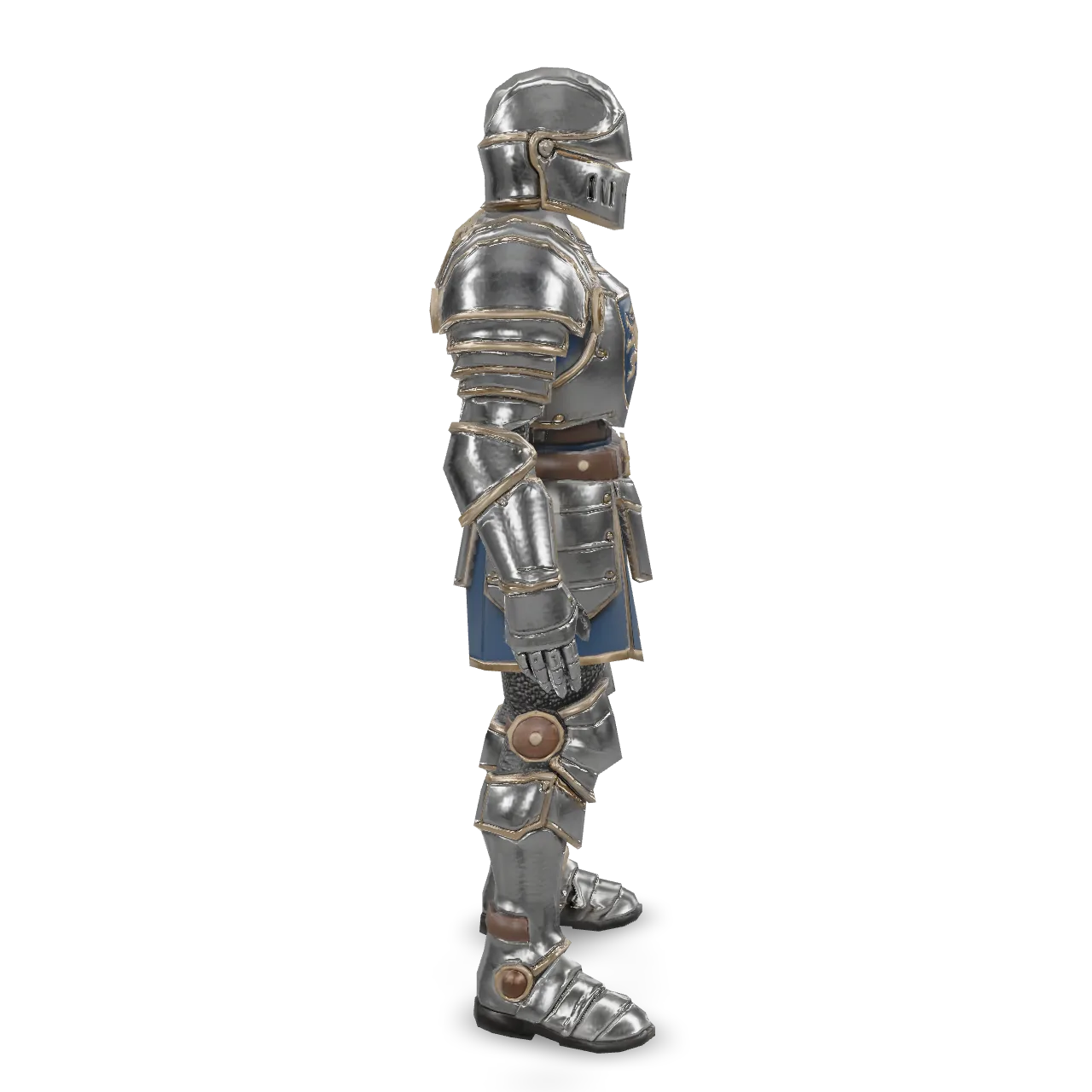
Tripo3D Auto Rig adds a skeleton to a 3D model of a humanoid, animal or creature, ready for animation. Ready-to-use REST inference API, best performance, no coldstarts, affordable pricing.
Idle
$0.3per run·~33 / $10
ExamplesView all
Related Models






README
Tripo3D Auto Rig
Tripo3D Auto Rig adds a skeleton to a 3D character, with automatic or selected rig types and GLB or FBX output.
Why Choose This?
- Rig type selection — Choose a skeleton type or automatic detection.
- Biped naming options — Select a bone naming convention.
- Export formats — Retrieve GLB or FBX output.
Parameters
| Parameter | Required | Description |
|---|---|---|
| model | Yes | The 3D model to process (GLB, GLTF, FBX, OBJ or STL, up to 150 MB). |
| rig_type | No | Skeleton type. auto detects it from the model. Options: auto, biped, quadruped, hexapod, octopod, avian, serpentine, aquatic, others. Default: auto. |
| spec | No | Bone naming convention for humanoid (biped) rigs. Options: tripo, mixamo, actorcore, unity, unreal, vrm. Default: tripo. |
| out_format | No | Output format. Options: glb, fbx. Default: glb. |
How to Use
- Upload a character — Provide the source model.
- Configure the rig — Select a rig type and biped naming convention when applicable.
- Choose an output format — Select GLB or FBX.
- Submit — Download the rigged model.
Pricing
$0.30 per model.
Automatic rig-type detection, bone naming, and output format do not add separate charges.
Notes
specapplies to humanoid biped rigs.- Rigging adds the skeleton; animation presets are applied separately.
- Input models can be up to 150 MB.
Rig API — Quick start
Grab a WaveSpeedAI API key, then call POST https://api.wavespeed.ai/api/v3/tripo3d/rig with your input as JSON. The endpoint returns a prediction id. Start polling the result endpoint around every 2 seconds, increase the interval for long-running tasks, and stop on any terminal status. On completed, read output values from data.outputs. Examples for Rig below.
HTTP example
set -euo pipefail

: "${WAVESPEED_API_KEY:?Set WAVESPEED_API_KEY}"

REQUEST_BODY=$(cat <<'JSON'
{
    "model": "example",
    "rig_type": "auto",
    "spec": "tripo",
    "out_format": "glb"
}
JSON
)

# 1. Submit the prediction.
SUBMIT_RESPONSE=$(curl --silent --show-error --fail-with-body \
  -X POST "https://api.wavespeed.ai/api/v3/tripo3d/rig" \
  -H "Content-Type: application/json" \
  -H "Authorization: Bearer $WAVESPEED_API_KEY" \
  -d "$REQUEST_BODY")

TASK=$(printf '%s' "$SUBMIT_RESPONSE" | jq 'if has("data") then .data else . end')
PREDICTION_ID=$(printf '%s' "$TASK" | jq -r '.id')
if [ -z "$PREDICTION_ID" ] || [ "$PREDICTION_ID" = "null" ]; then
  printf 'Submission response did not contain a prediction id
' >&2
  exit 1
fi
RESULT_URL="https://api.wavespeed.ai/api/v3/predictions/$PREDICTION_ID/result"

# 2. Poll until the prediction finishes.
while true; do
  RESPONSE=$(curl --silent --show-error --fail-with-body "$RESULT_URL" \
    -H "Authorization: Bearer $WAVESPEED_API_KEY")
  RESULT=$(printf '%s' "$RESPONSE" | jq 'if has("data") then .data else . end')
  STATUS=$(printf '%s' "$RESULT" | jq -r '.status')
  case "$STATUS" in
    completed) printf '%s\n' "$RESULT" | jq '.outputs'; break ;;
    failed|cancelled|timeout|deleted) printf '%s\n' "$RESULT" | jq . >&2; exit 1 ;;
    *) sleep 2 ;;
  esac
done
Node.js example
const submitUrl = "https://api.wavespeed.ai/api/v3/tripo3d/rig";
const apiKey = process.env.WAVESPEED_API_KEY;
if (!apiKey) throw new Error('Set WAVESPEED_API_KEY');

async function requestJson(url, options = {}) {
  const response = await fetch(url, options);
  if (!response.ok) throw new Error(await response.text());
  return response.json();
}

// 1. Submit the prediction.
const body = await requestJson(submitUrl, {
  method: "POST",
  headers: {
    "Authorization": `Bearer ${apiKey}`,
    "Content-Type": "application/json",
  },
  body: JSON.stringify({
        "model": "example",
        "rig_type": "auto",
        "spec": "tripo",
        "out_format": "glb"
}),
});
const task = body.data ?? body;
if (!task.id) throw new Error("Submission response did not contain a prediction id");
const resultUrl = `https://api.wavespeed.ai/api/v3/predictions/${task.id}/result`;

// 2. Poll until the prediction finishes.
while (true) {
  const resultBody = await requestJson(resultUrl, {
    headers: { "Authorization": `Bearer ${apiKey}` },
  });
  const result = resultBody.data ?? resultBody;
  if (result.status === "completed") {
    console.log(result.outputs);
    break;
  }
  if (["failed", "cancelled", "timeout", "deleted"].includes(result.status)) throw new Error(JSON.stringify(result));
  await new Promise(resolve => setTimeout(resolve, 2000));
}
Python example
import json
import os
import time
from urllib.request import Request, urlopen

api_key = os.environ["WAVESPEED_API_KEY"]
headers = {"Authorization": f"Bearer {api_key}", "Content-Type": "application/json"}
payload = {
    "model": "example",
    "rig_type": "auto",
    "spec": "tripo",
    "out_format": "glb"
}

def request_json(url, data=None):
    request = Request(url, data=data, headers=headers, method="POST" if data else "GET")
    with urlopen(request) as response:
        return json.load(response)

# 1. Submit the prediction.
body = request_json("https://api.wavespeed.ai/api/v3/tripo3d/rig", json.dumps(payload).encode())
task = body.get("data", body)
if not task.get("id"):
    raise RuntimeError("Submission response did not contain a prediction id")
result_url = f"https://api.wavespeed.ai/api/v3/predictions/{task['id']}/result"

# 2. Poll until the prediction finishes.
while True:
    result_body = request_json(result_url)
    result = result_body.get("data", result_body)
    status = result.get("status")
    if status == "completed":
        print(result.get("outputs", []))
        break
    if status in {"failed", "cancelled", "timeout", "deleted"}:
        raise RuntimeError(result)
    time.sleep(2)
Rig API — Frequently asked questions
What is the Rig API?
Rig is a Tripo3D model for 3D asset generation from images, exposed as a REST API on WaveSpeedAI. Tripo3D Auto Rig adds a skeleton to a 3D model of a humanoid, animal or creature, ready for animation. Ready-to-use REST inference API, best performance, no coldstarts, affordable pricing. You can call it programmatically or try it from the playground above.
How do I call the Rig API?
POST your input parameters to the model's REST endpoint (shown in the API tab of this playground) with your WaveSpeedAI API key in the Authorization header. Submission returns a prediction ID. Poll the result endpoint starting around every 2 seconds, increase the interval for long-running tasks, and stop on any terminal status. The playground generates Python, JavaScript, and cURL examples for submitting requests and polling results. Full request/response shape is documented at https://wavespeed.ai/docs/docs-api/tripo3d/rig.
How much does Rig cost per run or per second?
Rig starts at $0.3 per run or per second. That figure is the base price — the final charge scales with the parameters you set in the form (output size, length, count, references, or whatever knobs this model exposes), so a higher-quality or larger output costs more than a minimal one. The exact cost for your current input is shown live next to the Generate button before you submit, and the actual per-call charge is recorded on the prediction afterwards.
What inputs does Rig accept?
Key inputs: `model`, `out_format`, `rig_type`, `spec`. The full JSON schema (types, defaults, allowed values) is rendered above the Generate button and mirrored in the API reference at https://wavespeed.ai/docs/docs-api/tripo3d/rig.
How long does Rig take to generate?
Reported generation time on WaveSpeedAI is around 50 seconds per request. This is an estimate, not a latency guarantee; queue time and input settings can change the total wait. live status is visible in the prediction record.
Can I use Rig outputs commercially?
Commercial usage rights depend on the model's license, set by its provider (Tripo3D). Check the provider's applicable terms and WaveSpeedAI's Terms of Service before commercial use.
More from Tripo3D
View allMore Image to 3D models
View all- tripo3d/h3.1/image-to-3dImage to 3D
- meshy/v7.1/image-to-3dImage to 3D
- wavespeed-ai/trellis-2/image-to-3dImage to 3D
- wavespeed-ai/hunyuan3d-v3/image-to-3dImage to 3D
- tripo3d/h3.1/multiview-to-3dImage to 3D
- wavespeed-ai/hunyuan-3d-v3.1/image-to-3d-rapidImage to 3D
- meshy/v7.1/multi-image-to-3dImage to 3D
- bytedance/seed3d-2.0/image-to-3dImage to 3D