Add a photo
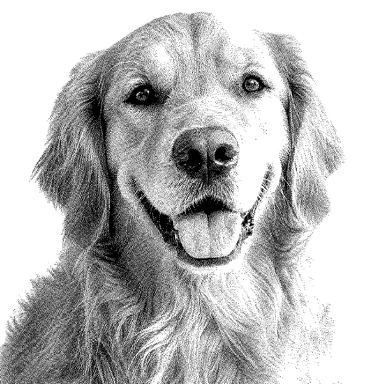
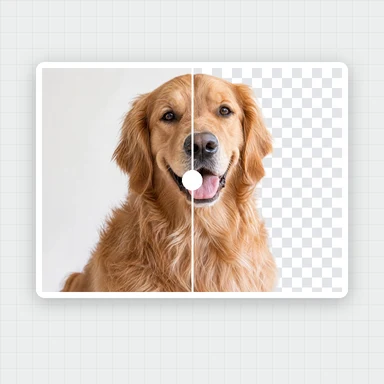
Choose a photo with a clear subject: a face, a pet, a flower or an object. Turn on background removal for a busy background.
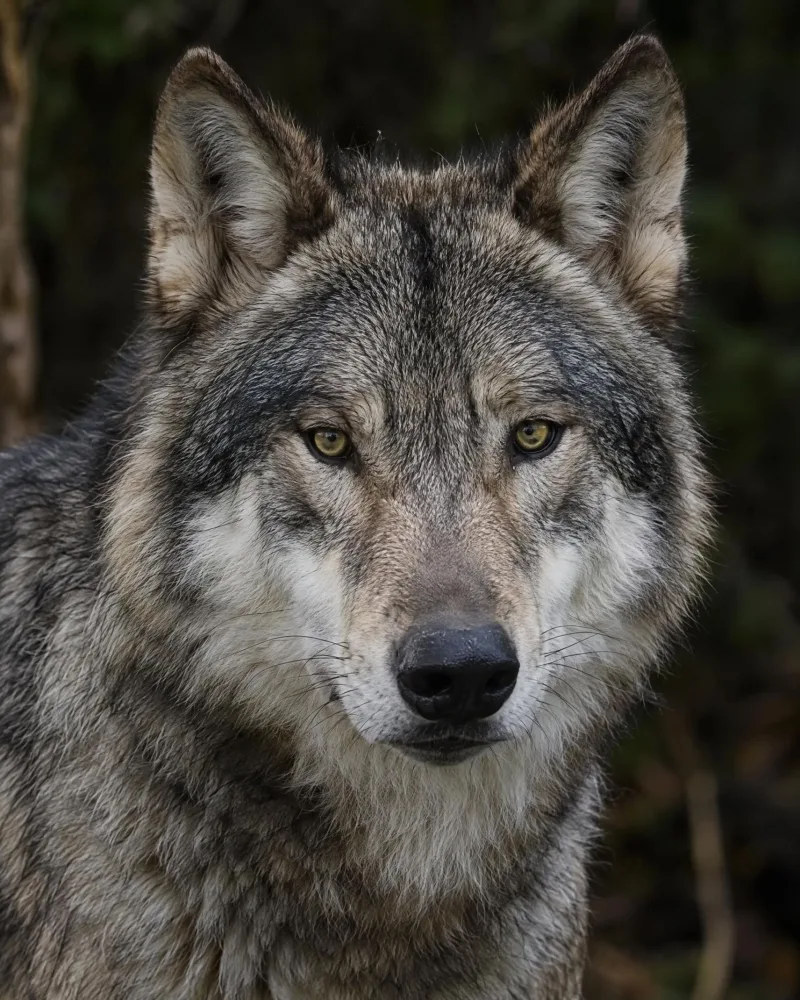
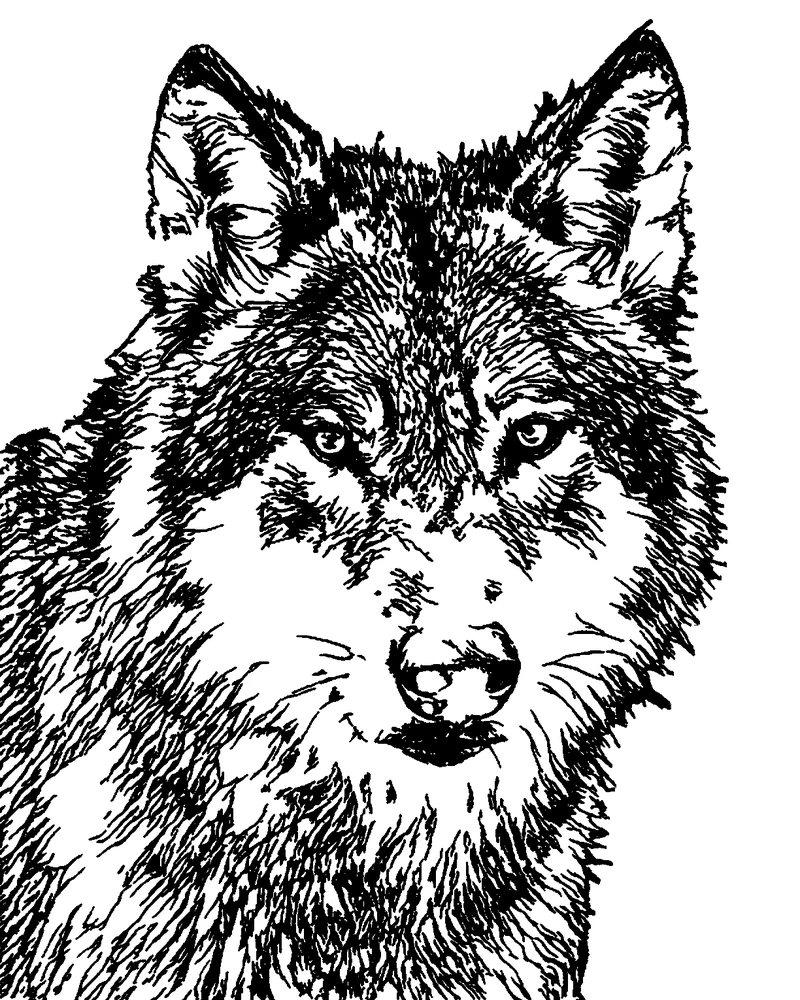 PhotoStencilOutline
Add a photo and get a two-tone stencil drawn from it: an outline for tattoo transfers, shading or hatching for detail, or solid shapes with bridges for spray paint and cutting machines.
Pick the line colour, remove the background, then download a PNG, an SVG or a PDF at the exact print size, mirrored for thermal transfer and split across sheets when it is large.
Portraits, pets, flowers and objects work best with a clear subject. JPG, PNG or WebP.
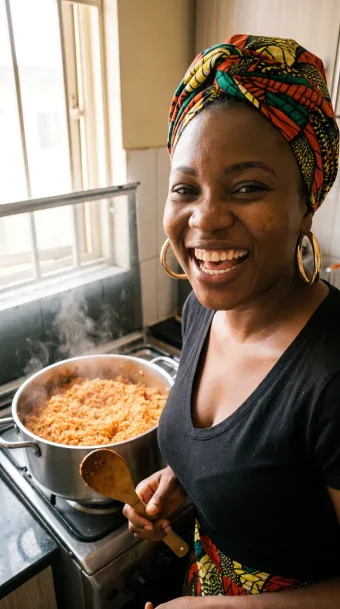
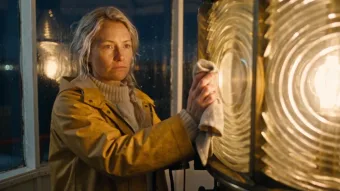
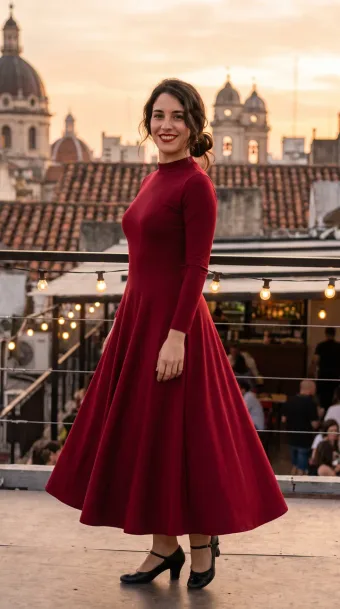
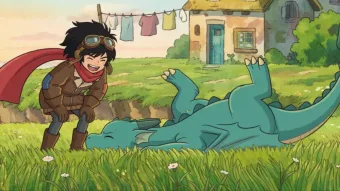
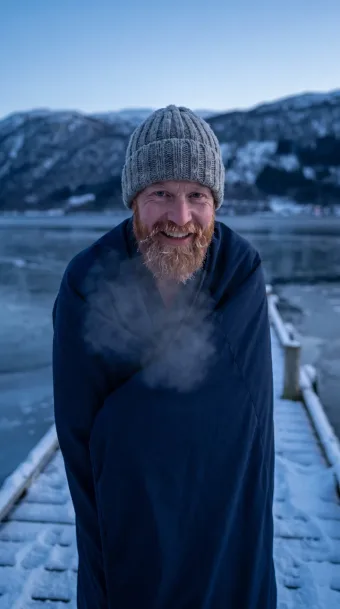
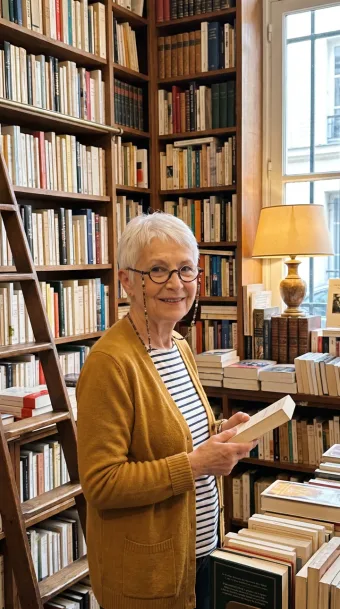
Each example was made with this tool. Open one to try the styles on it.
Choose a photo with a clear subject: a face, a pet, a flower or an object. Turn on background removal for a busy background.
Outline, Standard, Hatching or Cut stencil. Set the line thickness, the threshold and the detail until it looks right.
Save a PNG or an SVG, or a PDF at the exact width on A4, Letter or A3, mirrored for transfer paper when you need it.
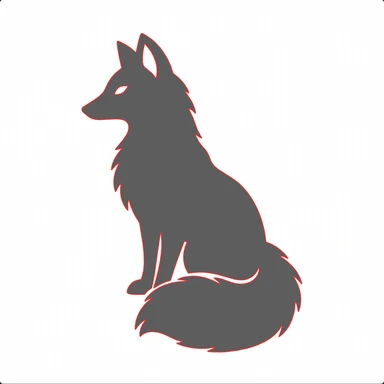
Only the lines: contours, features and the main strands of hair or fur. The usual choice for a tattoo stencil or a design to trace.
The outline plus the darkest areas filled in solid, so the shape reads from a distance. The threshold slider sets how much becomes shadow.
The outline with diagonal hatch lines in the mid tones and cross-hatching in the dark tones, like an engraving.
Solid black and white only, with small specks removed and a minimum feature size, so it can be cut from card, acetate or vinyl. Bridges keep enclosed islands attached; without them the tool counts the islands that would fall out.
A sharp, evenly lit photo with one subject gives the cleanest lines. Remove the background when the subject stands in front of a busy room or a garden.
Raise it for more lines and larger shadows, lower it for a lighter, simpler stencil. Detail draws the lines at a higher resolution for finer strands.
Set the width you want on the skin, turn on Mirror for thermal transfer paper and print the PDF at 100% (actual size). The 1 cm or 1 in bar on the first sheet lets you check the scale.
Use Cut stencil, raise the minimum feature size for thick material and keep bridges on. The SVG has closed paths that cutting machine software can import.
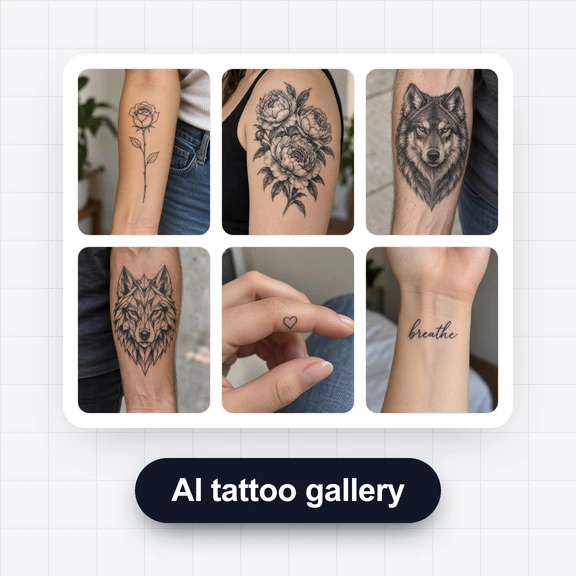
Create tattoo flash, line art and logos from a short prompt with WaveSpeed AI, then turn them into a stencil here.
Generate line art, tattoo designs or a silhouette in the style you describe.
Animate your design for a reel or a portfolio.
Turn a design into a 3D model for printing.
$1 in free credits for eligible new accounts. No card needed. Generators have separate account and credit requirements. The stencil maker is free.
Yes. Make and download as many stencils as you like, with no sign-up and no watermark.
No. The line drawing, the background removal and every download are made in your browser. The models are downloaded once and kept in your browser's cache.
A small line-drawing model (informative-drawings, MIT licence) draws the photo as lines in your browser. The styles then add solid shadows, hatching or cut-ready shapes from the photo's own light and dark areas, so changing a style or a slider redraws the stencil in a second or two without running the model again.
Yes. Enter the width in centimetres or inches and download the PDF. It is laid out on A4, Letter or A3 at exactly that width; print it at 100% or actual size, not fit to page.
The PDF is split across as many sheets as it needs, each with corner marks and a name like A1 or B2 so you can trim and tape them together in order.
It flips the design left to right in the PDF. Transfer paper puts a reversed copy of the print on the skin, so mirroring makes text and one-sided designs read the right way round. Leave it off if your printer or workflow already reverses the image.
Yes. Choose Cut stencil and download the SVG: it holds closed vector paths that design software for vinyl cutters and laser cutters can import. Bridges keep the centres of shapes such as eyes and petals attached to the sheet.
Those are bridges. A white area completely surrounded by black would fall out of the sheet once cut, so the tool cuts a thin path to join it to the rest. Turn bridges off to see how many islands there are.
Free, in your browser, ready to print or cut.